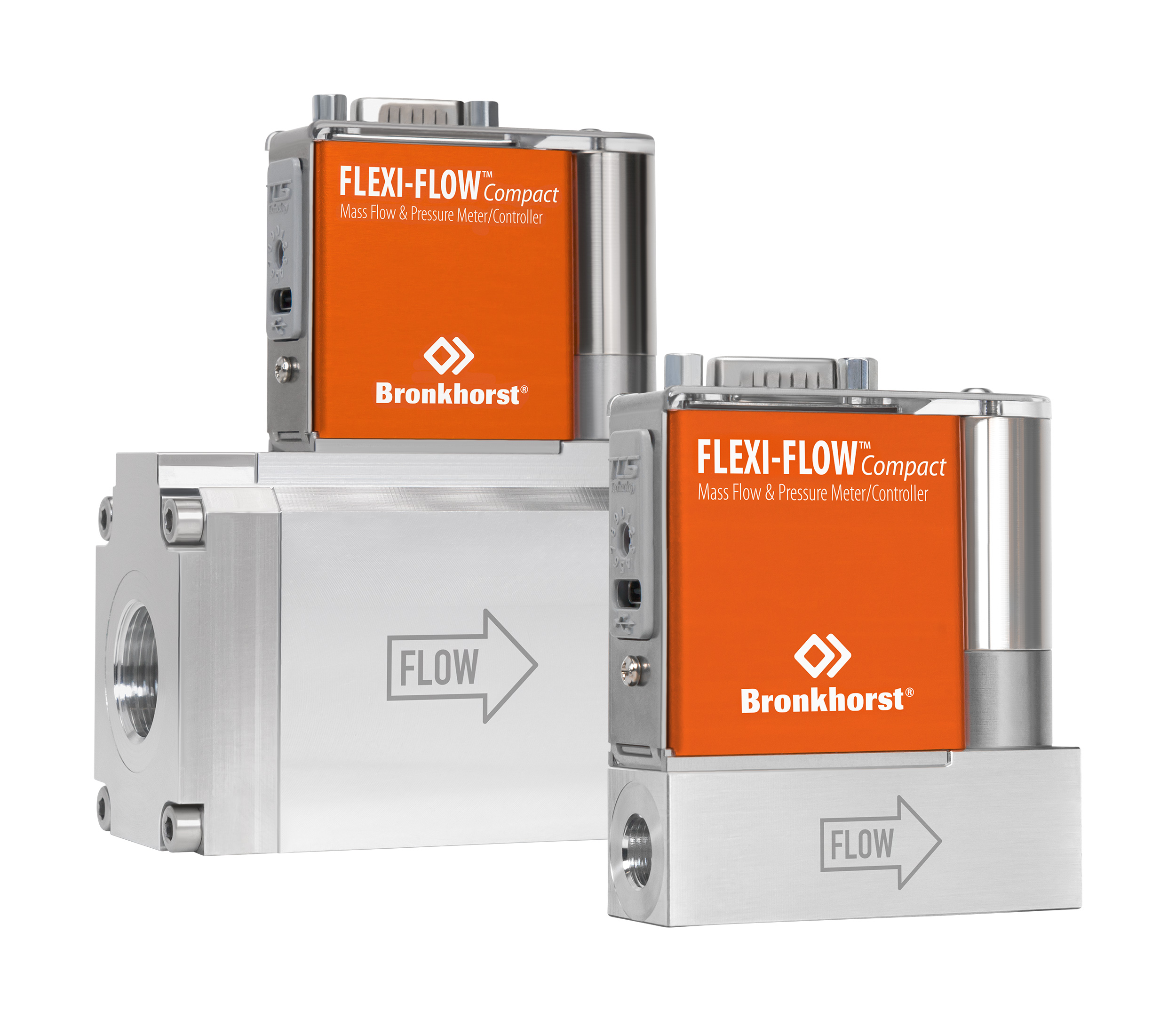
Explore how changing one specification of a Bronkhorst instrument – such as pressure rating, accuracy, or temperature – impacts other performance properties. Designed to make complex trade-offs transparent for non-specialist users.
Instead of static datasheets, this prototype shows how parameters such as pressure rating, accuracy, sealing material, and operating temperature interact. When you adjust one, the model recalculates and updates related properties like settling time, control stability, and allowed ranges.
The goal is to support non-specialist users in understanding the impact of their choices, while still respecting the technical constraints defined by engineering and product management.
Try the Specification ExplorerJump straight into configuring instruments, viewing saved setups, or managing the underlying parameter and formula model.
Adjust specifications, see calculated impacts, and visualise trade-offs in real time.
Go to configurator →Review previously created instrument configurations and reload them for further exploration.
View configurations →Add or edit parameters such as flow range, pressure rating, sealing material, and gas/liquid-specific properties.
Open parameter admin →Define how parameters interact using formulas, enabling the dynamic behaviour of the model.
Open formula admin →Bronkhorst instruments operate within tightly defined specification windows. This model helps communicate how properties such as accuracy, turndown ratio, pressure rating, temperature, and sealing material depend on each other – making trade-offs transparent instead of hidden in datasheets.
Translate engineering constraints into intuitive visuals so sales, distributors, and end customers can understand the impact of their choices.
Show clearly how increasing pressure rating affects settling time, control stability, and allowed temperature or sealing material choices.
Parameters and formulas live in a database, so the model can grow with new instruments, media, and specification rules without code changes.